

All-In-One Bundle
All-In-One Bundle
- Works With Any Camera & Editing Software
- Pay Once, Use Forever
- Download Instantly
- 1 Year Free Pro in The Looks Lab App (iPhone)
Couldn't load pickup availability
14-Day Money Back Guarantee
View full details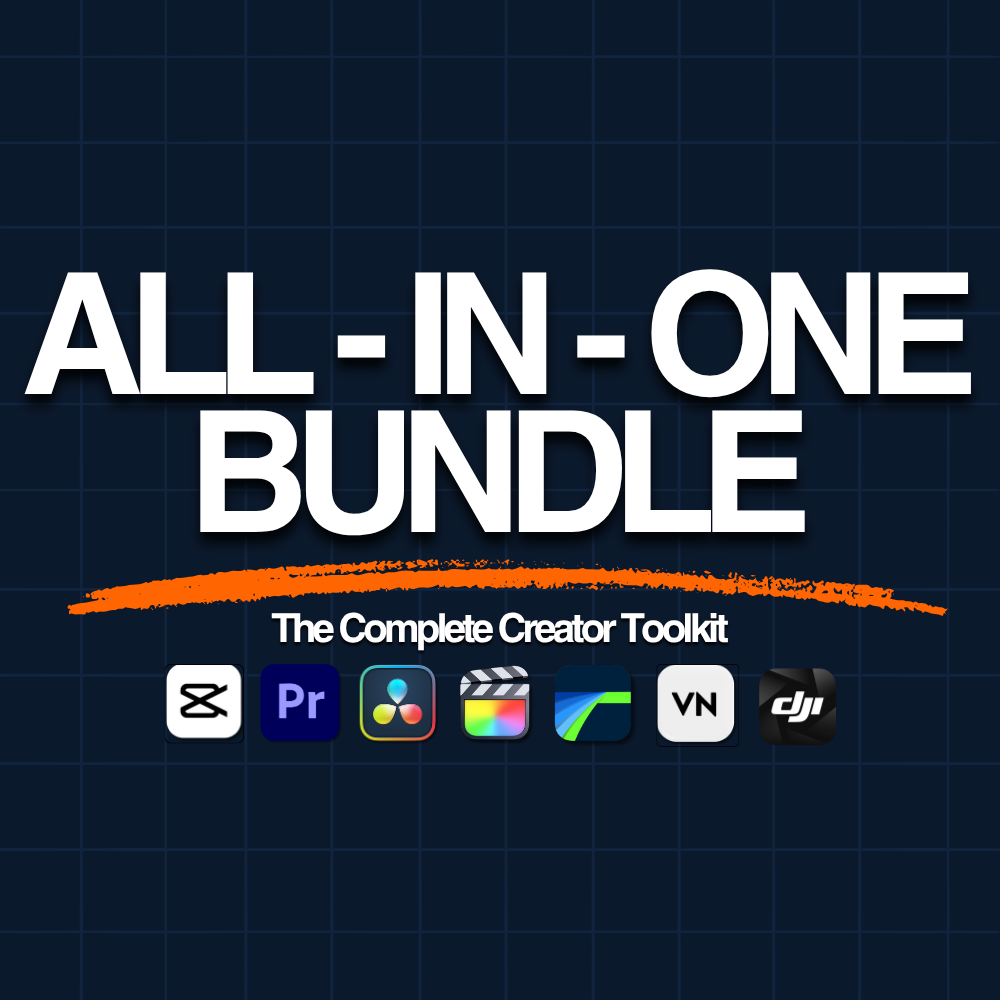
What's included
How it works
Up and running in minutes
-
01
Download
Complete your purchase and instantly download your video editing assets after check out.
-
02
Import
Drop the files into your editing app: Premiere, DaVinci, Final Cut, CapCut, or VN. No plugins needed.
-
03
Drag & Drop
Drag onto your timeline and you're done. Transitions on your cut, overlays on your clip, SFX on your audio track.


Preview Sound Effects

Animated Film Borders
Give your footage that classic film look. 10 animated borders including Super 8, 35mm, VCR and film burn overlays

Film Burn Transitions
The transition that makes every cut feel cinematic. 30 horizontal and vertical film burns, each with a matching sound effect included. Drag one onto your timeline, and you're done.

Glitch Transitions
Add energy and intensity to any cut. 20 glitch VFX transitions each with a matching sound effect included. Drag onto your cut and done.

Light Leak Transitions
A subtle, cinematic way to move between scenes. 10 light leak transitions that add warmth and texture to any cut.
Drag one onto your timeline, and you're done.

Flash Transitions
Sharp, punchy cuts that demand attention.
5 flash transitions: double, triple, fast, slow, and blue.
once you get the exposure right, its very easy to use. only need few touch for every device. definitely 10/10

Amazing lut bundle

Tutto perfetto e come mi aspettavo: TOP
I bought your presets yesterday, they are brilliant, they paint my videos beautifully, I regret that I only bought them now

Absolutely outstanding! The LUTs are amazing, easy to use and deliver fantastic results. They give my footage a professional, cinematic look with just a few adjustments. Excellent quality and definitely worth every penny. Highly recommended!
You need to know what to do than it’s great.
Perfect for my work!
Amazing!
Good 👍🏻
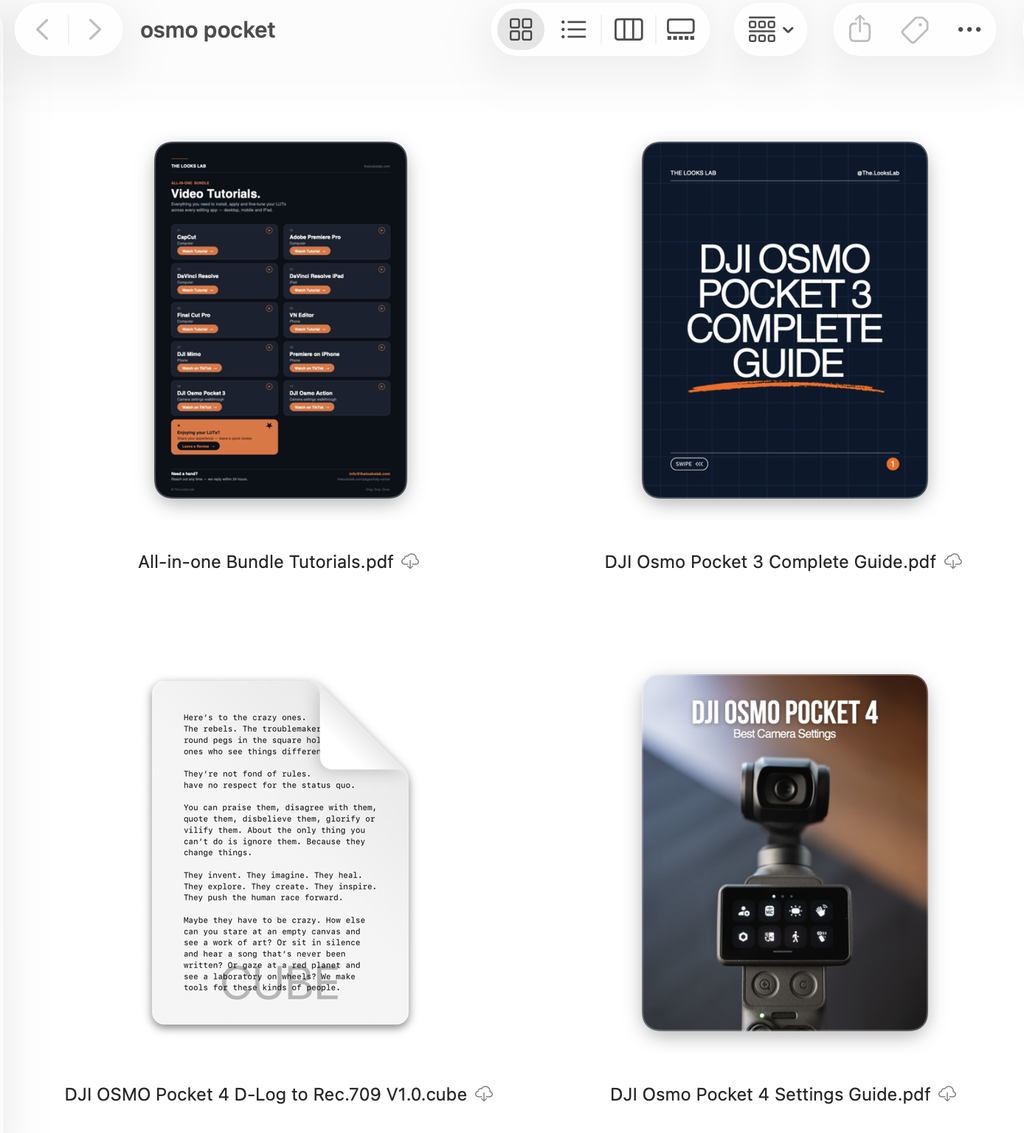
The included PDFs with instructions and tips are amazing and so helpful!
I love all the LUTs! They perfectly fit my DJI clips. I've been looking for the best ones and tutorials but they just won't look good. Thank you!
Found The Looks Lab on TikTok and loved what I saw, so I got The Look Bundle. It’s a digital product so I had instant access right after buying, no waiting on shipping or anything. Dropped the LUTs into my editing app and honestly the styles are so good, way more variety than I expected. Had a small question and their support team got back to me fast and were super helpful. Definitely happy with this one!
Definitely a success when buying this pack.
It makes it easy to get a professional look with just a few clicks.
The treatment has also been exceptional.
I'm looking forward to going out with my pocket to record and apply them.
Thank you!!!
so far, i really like the looks. it’s really that easy as advertised to color grade, just drag and drop and no need to learn complex things. the looks lab are also super helpful and open to any questions, it’s amazing. thank you soo much the looks lab!
great service and very satisfied with my purchase
راااااااااائع وجميل شكراً لكم
Super cool and useful. The process and the available info to proceed to instalation was easy to follow. Thanks!
Great bundle, honestly had fun with the different presets and it made editing my videos much easier a well deserved 5 stars
easy to use great price and even better results
great
Love this bundle. So worth it, you get so many good LUTs and as someone who is new to this its easy to install all. It takes footage to the new level, can’t recommend it enough!
The best
Honestly, this is one of my best purchases. It’s absolutely worth the money if you’re into videography or even just casually filming for Instagram or YouTube. I really love the LUTs—although I haven’t used all of them yet, just five or six were enough to see how well they’re made. Great work, and thank you very much!
Thank you so much for taking the time to leave such a nice review. We really appreciate it! We're glad to hear that you're enjoying The LUT Bundle and that it's been a great addition to your videography. Keep creating amazing content and thank you for choosing our product! 😊
Huge effort for making those, a lot of looks!
I would appreciate if in using guide you included project settings for using LUTs, color management
Hey Marko, Thank you for the suggestion we will be including this in our next guides update!
Amei demais todos os LUTS com ctz deixa todo o processo de criação de conteúdo muito mais facil.
Absolute brilliant. Saves the time of having to colorgrade the footage. No hassle, no headache. This just saves time. Drag and drop. Quick and easy. SIMPLE!
Very on point !! Very satisfied
The LUTs made the footage of my videos look unreal! Would definitely recommend The Looks lab
Beautiful colors, super easy to apply, and every LUT feels premium. Instantly upgrades any footage—absolutely worth it!
Amazing.
FAQ
Which editing apps work with our Looks?
Our Looks work across all devices.
On desktop: Premiere Pro, DaVinci Resolve, Final Cut Pro, CapCut, Filmora, Vegas Pro, Avid Media Composer
On iPad: DaVinci Resolve, Lumafusion, Final Cut Pro, Adobe Premiere, DJI Mimo, VN Editor
On mobile: DJI Mimo, VN Editor, Adobe Premiere, Lumafusion, Videoleap, VideoLUT
CapCut mobile currently doesn't have the needed feature.
Any other software or app that lets you import and use .cube files will work.
Will these Looks work with my camera?
Our Looks work on video footage from any camera.
Our Looks apply to any Normal color mode footage or any Log footage converted to Rec.709 / Normal color mode (conversion LUTs are included with every purchase for the most common profiles).
Our Combo LUTs apply directly to Log footage, built specifically for D-Log, D-Log M, Apple Log, and Apple Log 2
Does this work on CapCut mobile?
No, only CapCut Desktop supports LUT imports as of now. If you edit on your phone, you can use VN Editor, DJI Mimo, or LumaFusion instead.
Do I need to shoot in Log?
No, you don't need to shoot in LOG; you can also use normal color mode and apply our Looks directly to your videos.
We do recommend using LOG for the best end results.
Do I need to know how to color grade?
No, if you can drag and drop a file, you can use our Looks. Every purchase includes a video tutorial that walks you through it step by step.
What if a Look doesn't fit my footage?
Our Looks are fully adjustable by changing the intensity. It is important that your video is correctly exposed. For the best results, make sure your footage is correctly exposed first using the basic adjustment settings in your editor.
How do I get my Looks after purchase?
You'll be able to instantly download your purchase right after your payment is completed. We'll also send the download link via email in case you want to download the files on a different device.
Is this a one-time payment or a subscription?
This is a one-time payment with no ongoing subscription. Once you buy it, it’s yours forever; there are no additional charges or renewals.
Can I use these commercially?
Yes, a commercial license is included with every purchase — use them in client videos, ads, YouTube, wherever. No royalties, no extra fees.
What's the difference between the products?
Look Pack: 20 Looks from one specific theme.
Combo LUTs: 12 Combination LUTs (built specifically for LOG Profiles) + the same 12 Looks for normal color mode.
Look Bundle: All our Look Pack + all our Combination LUTs
All-in-one Bundle: everything in the Look Bundle + all of our Editing Essentials (Transitions, sound effects, overlays)
All purchases include conversion LUTs for all popular camera brands for FREE